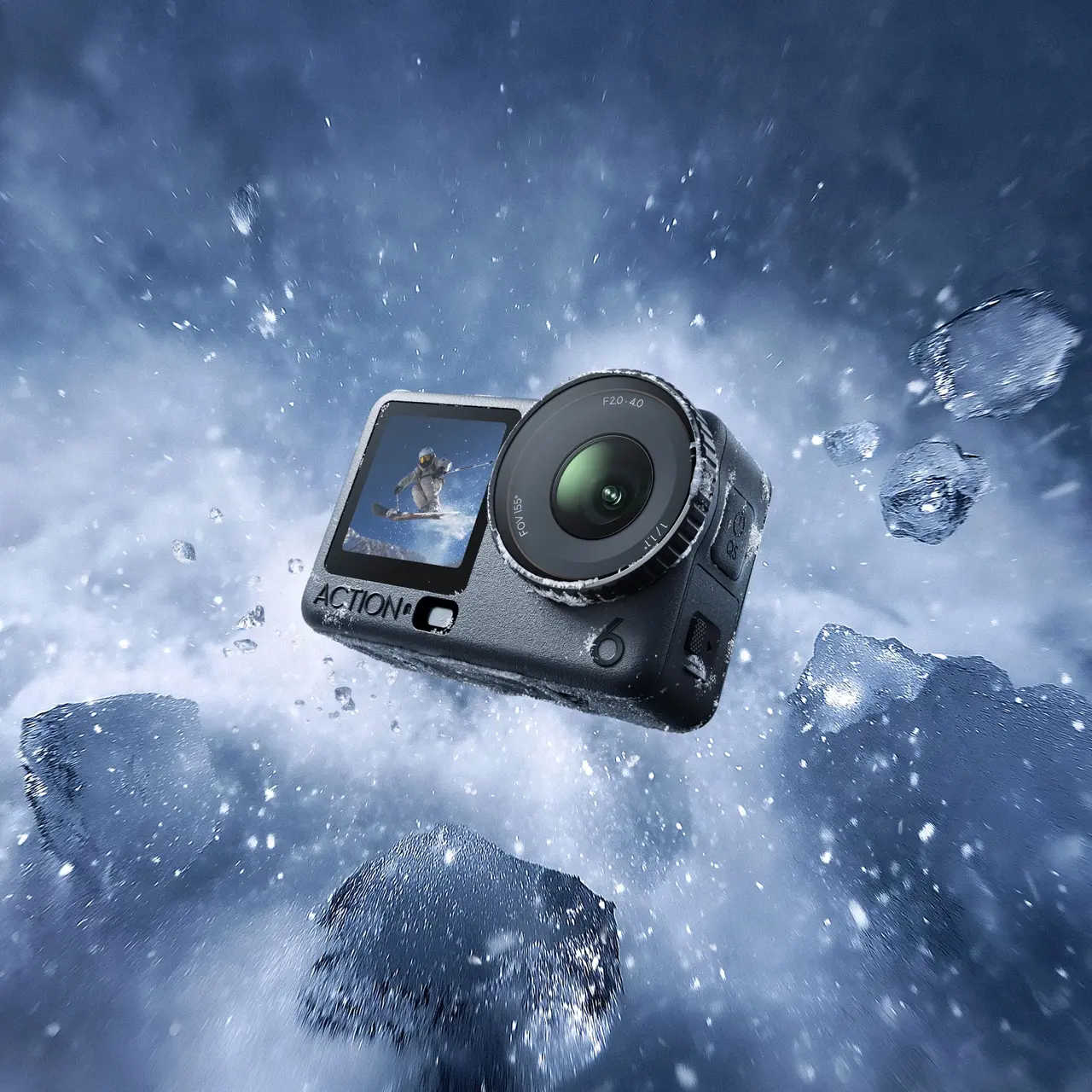


Osmo Action 6 Standard Combo
Select Option
Take a Closer Look
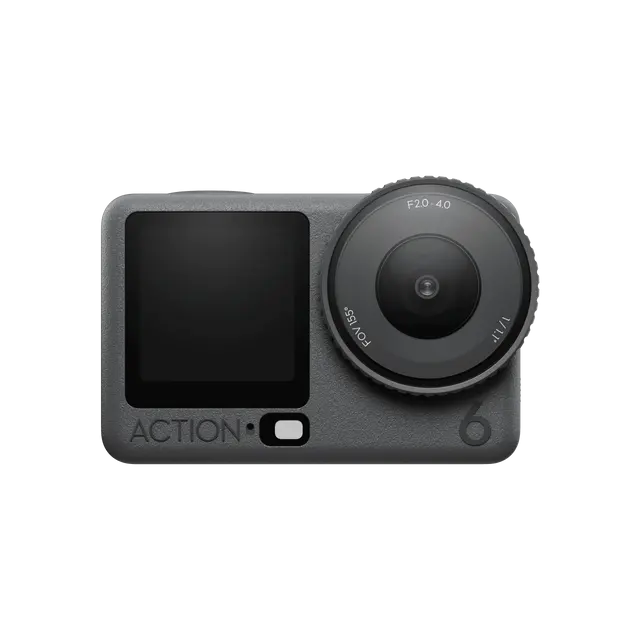
DJI's First Variable Aperture Action Camera
As DJI's first action camera with a variable aperture of f/2.0 [1]-f/4.0, Osmo Action 6 breaks away from the traditional fixed‑aperture design and offers aperture modes that suit a wide range of scenarios [1].
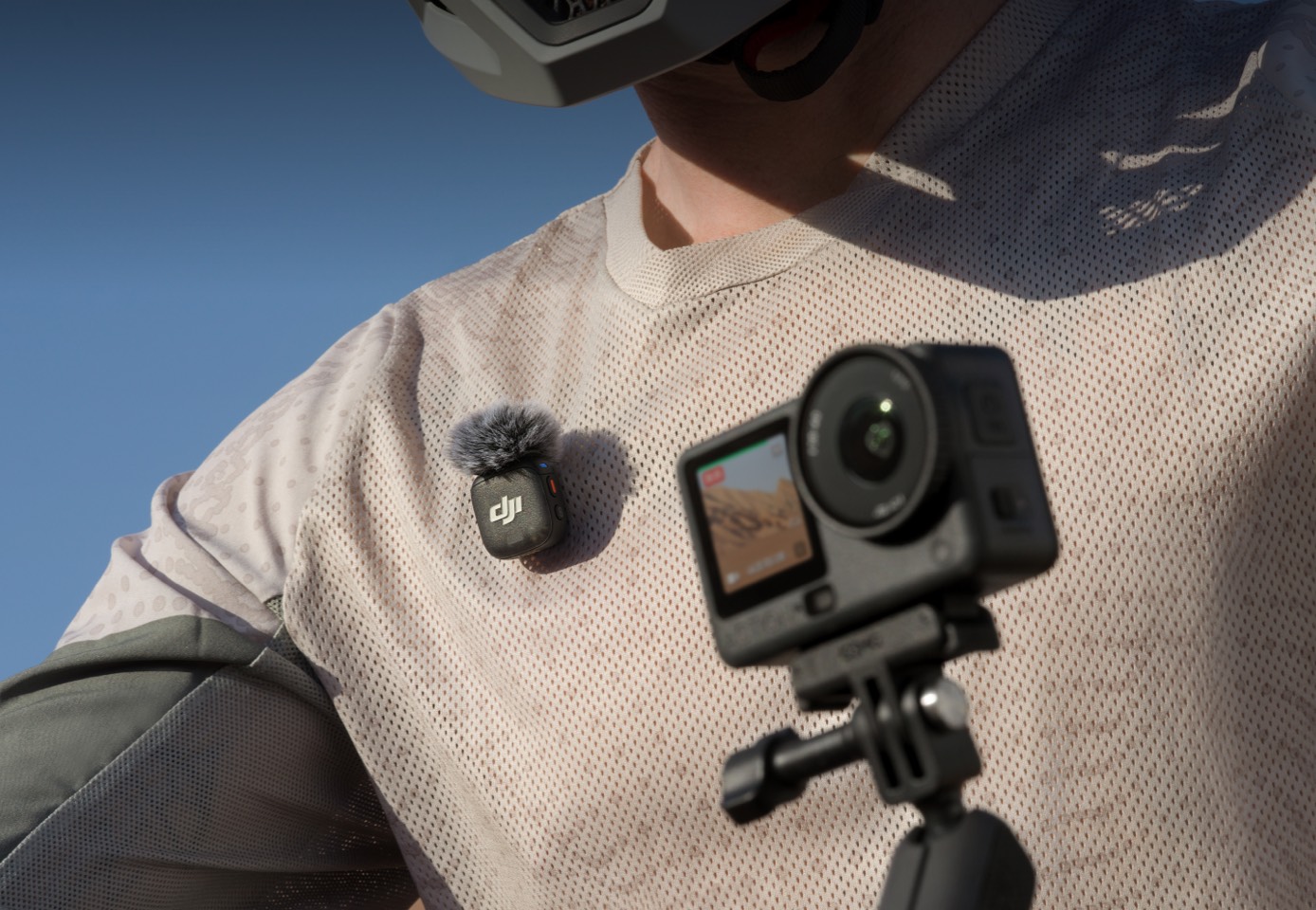
OsmoAudio™ Direct Microphone Connection [2]
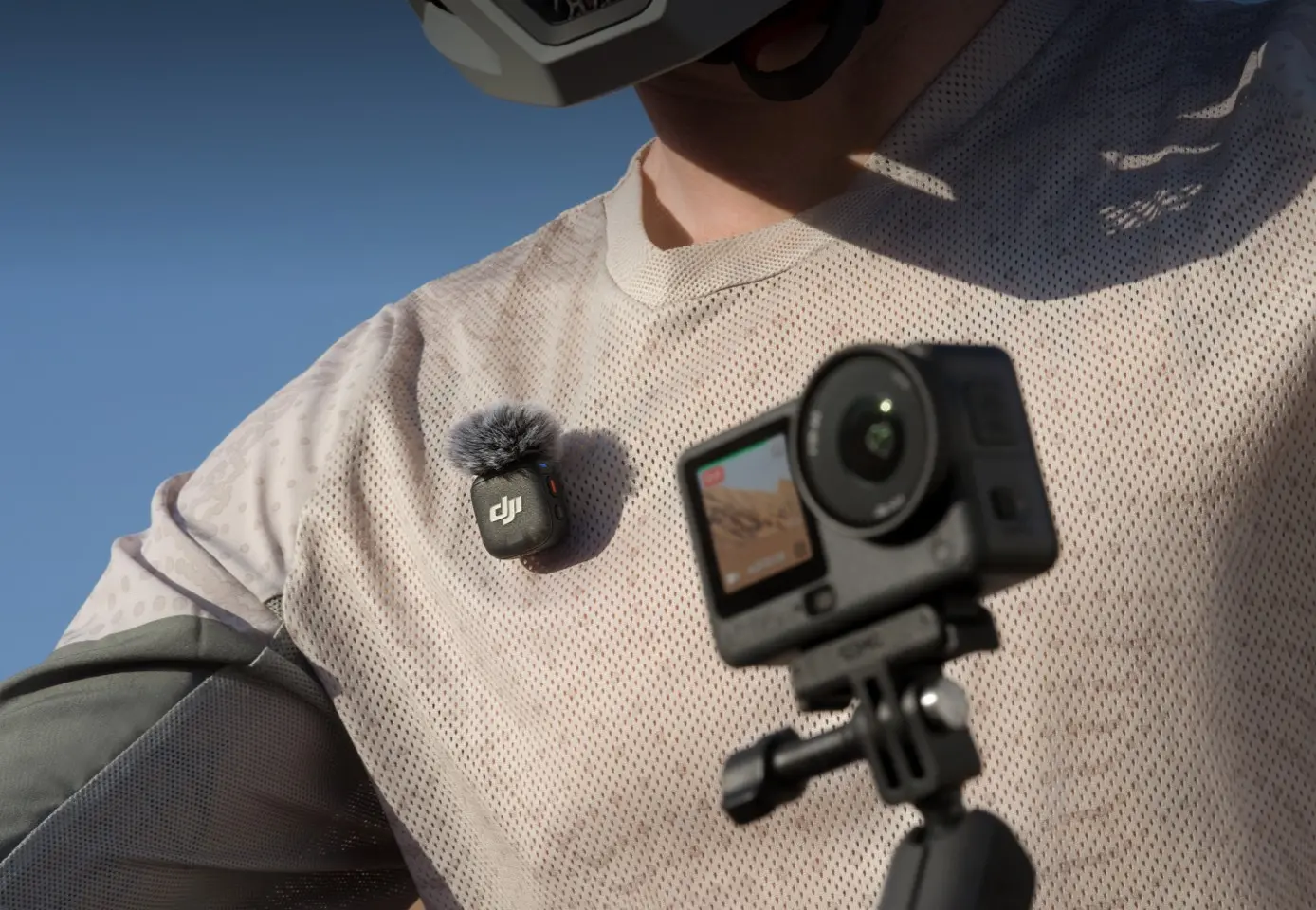
DJI OsmoAudio™ ecosystem supports direct connection to two DJI microphone transmitters [2], allowing for high-quality stereo recording without a receiver.
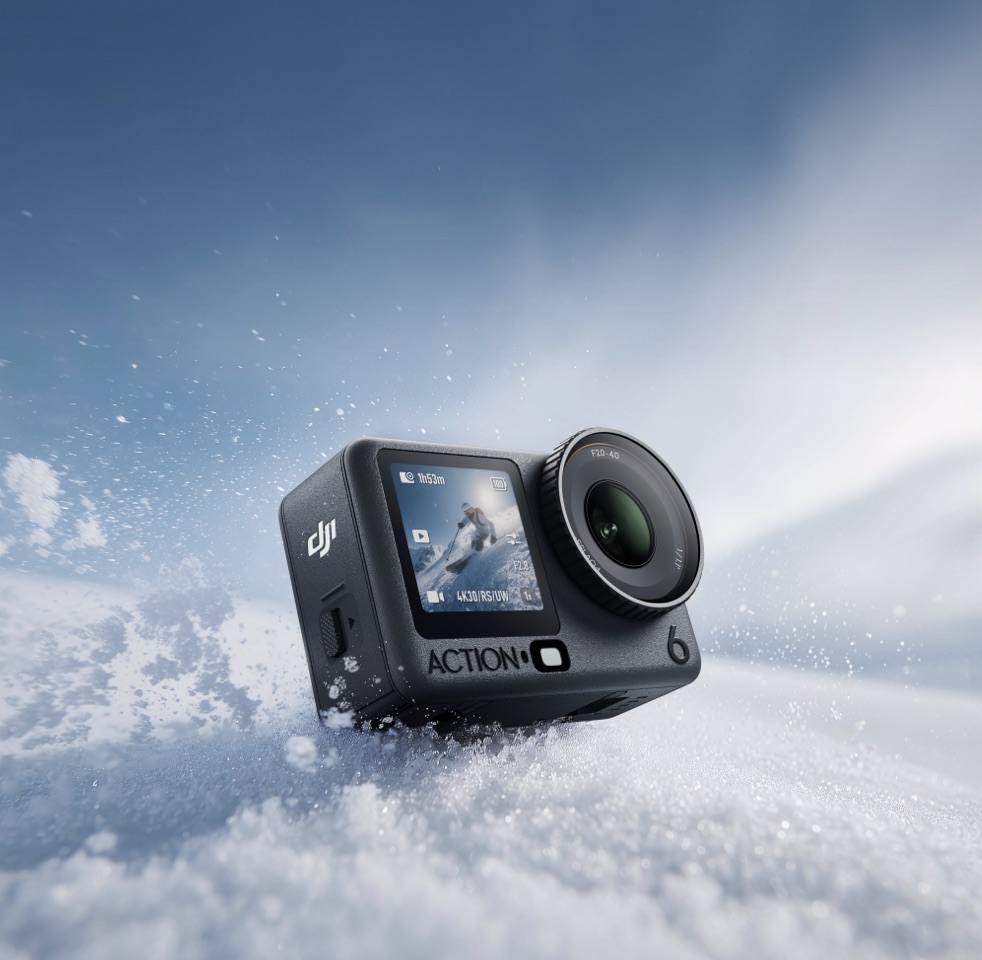
Cold-Resistant & 4-Hour Battery Life [3]
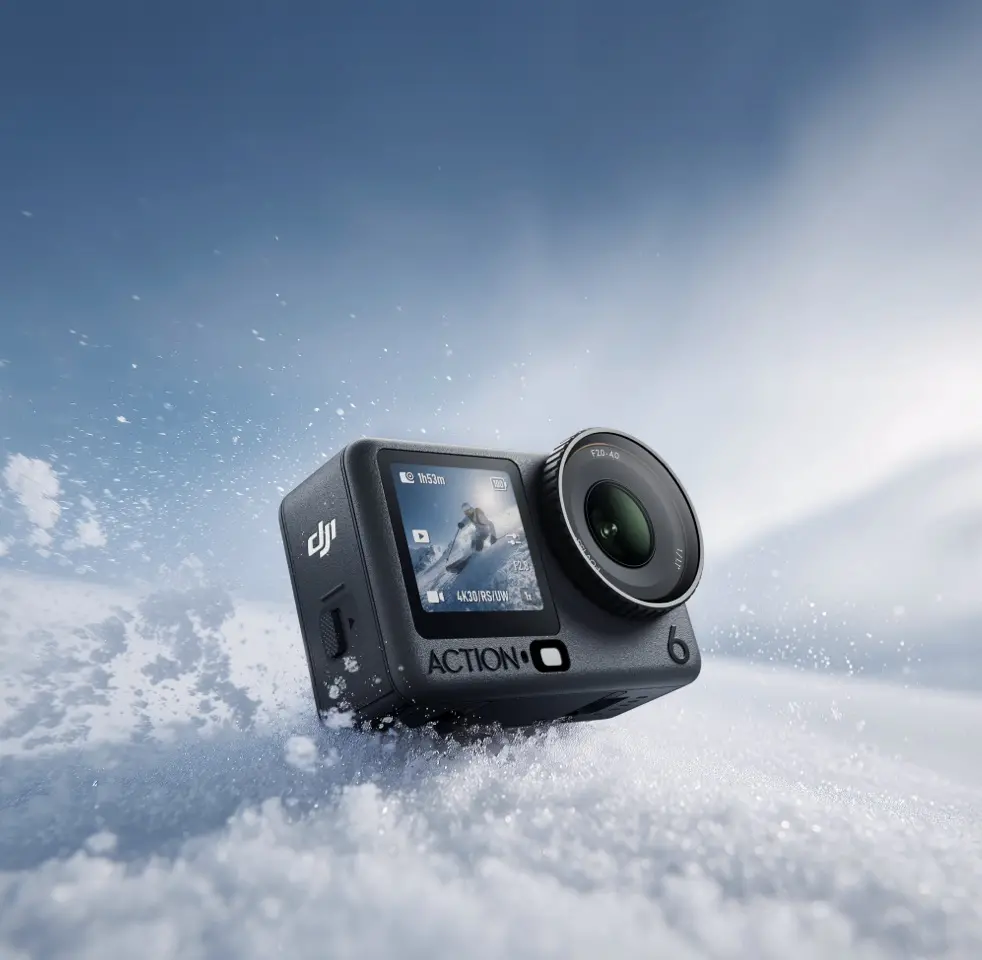
Stable operation from -20° C to 45° C (-4° F to 113° F) ensures reliable and worry-free shooting in extreme environments. [9]
All-New 1/1.1-Inch Square Sensor
Equipped with a new 1/1.1-inch sensor, Osmo Action 6 supports up to 4K/120fps recording in 4:3, maintaining clear detail in both low light and high‑contrast scenes.

50GB Built-in Storage
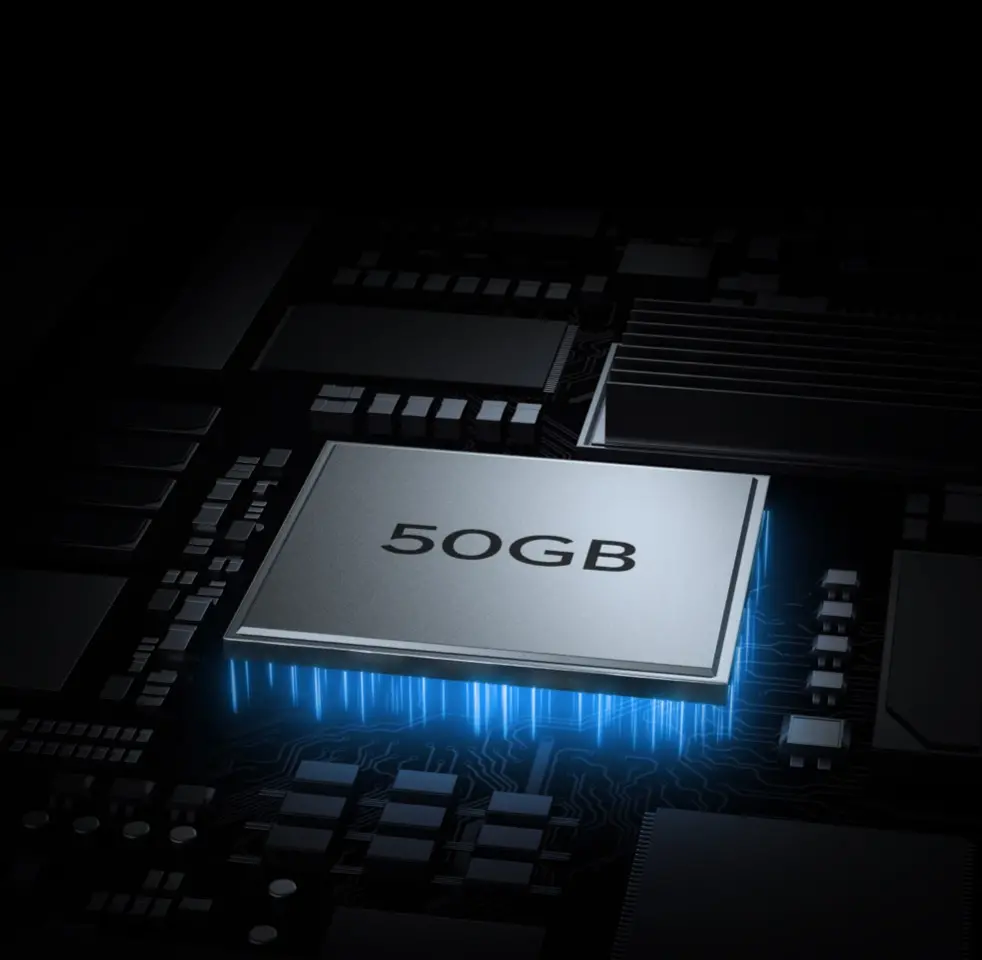
With 50GB of built-in storage, you can keep shooting without worry, even when you don't have a memory card on hand.
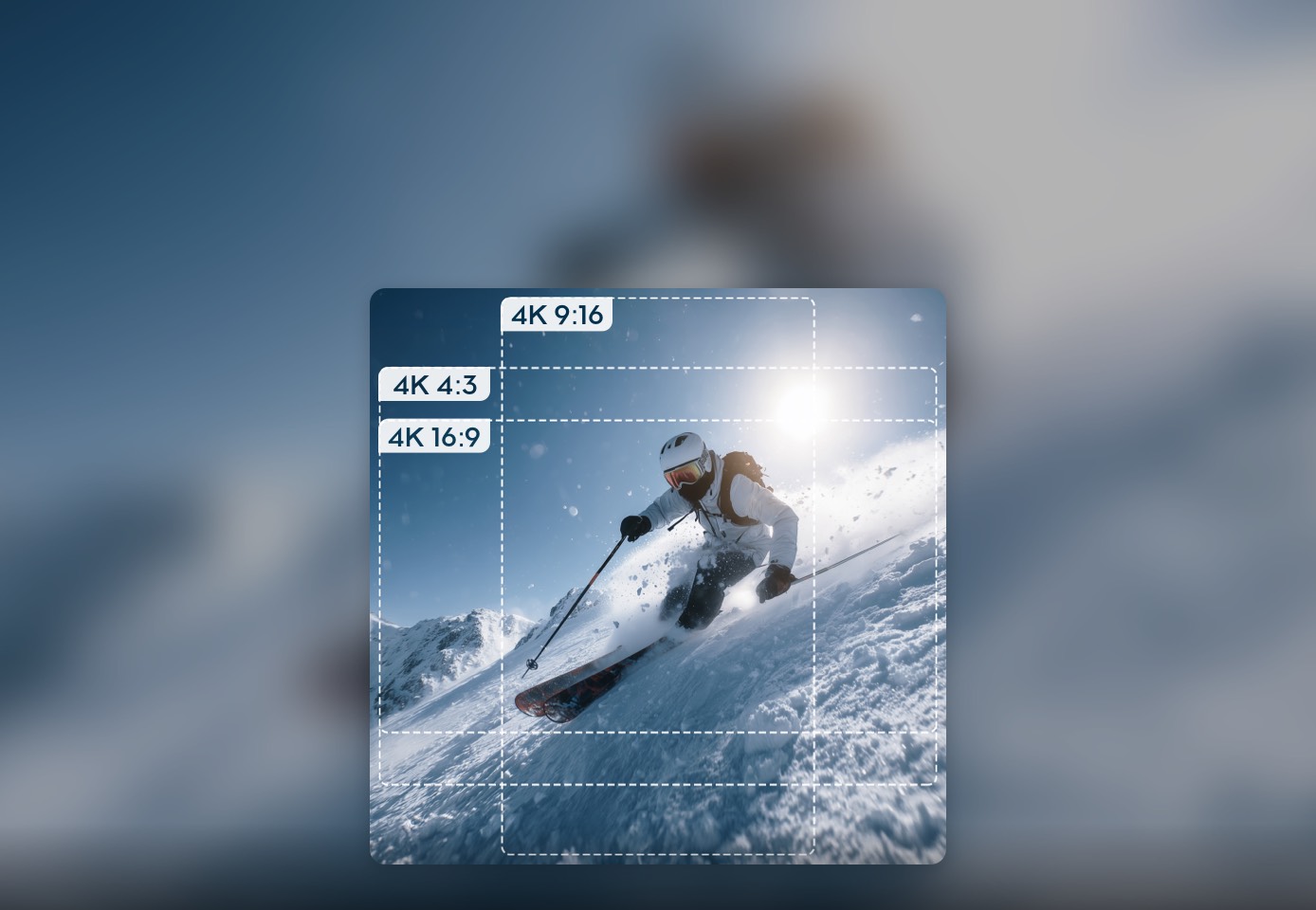
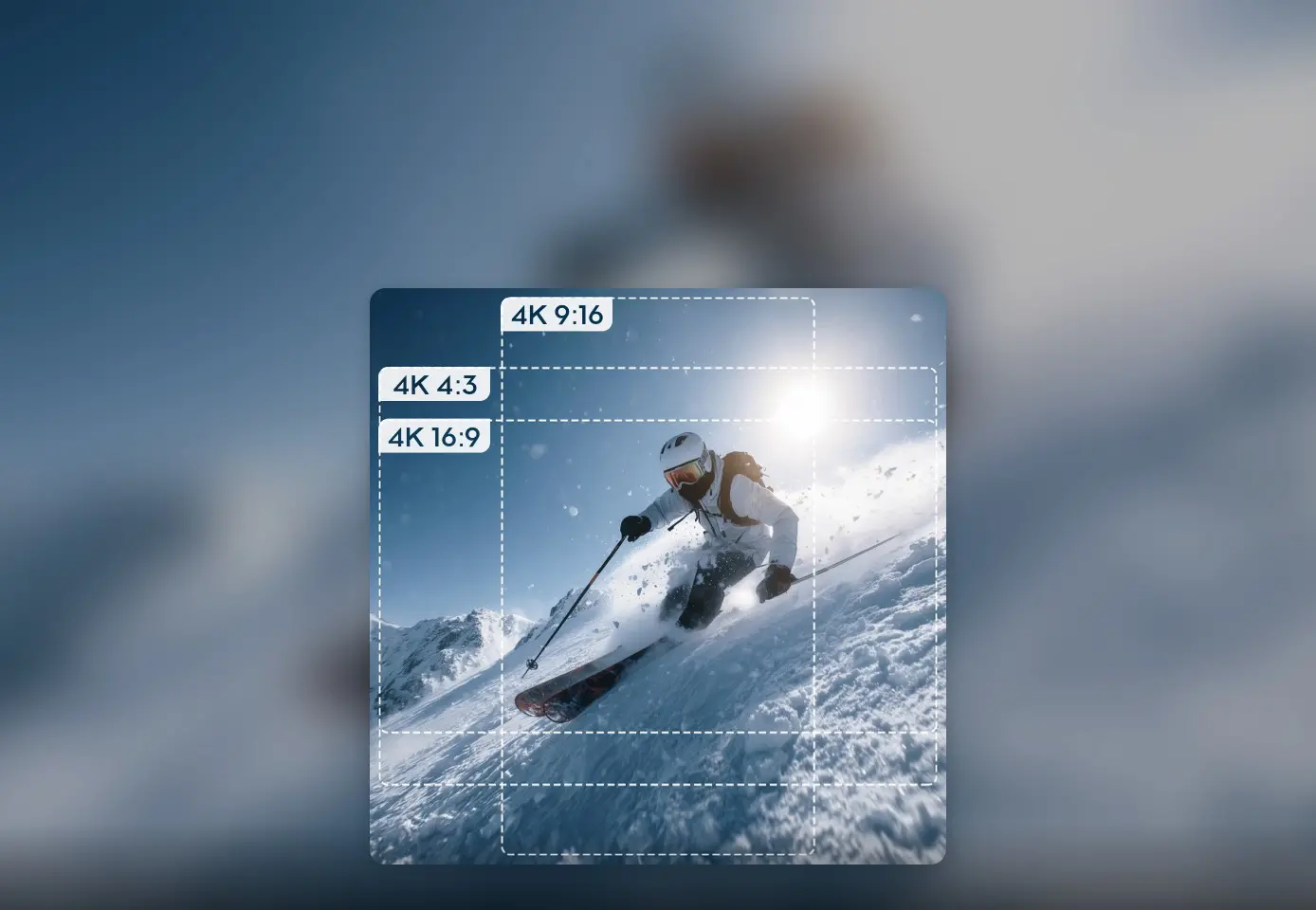
New 4K Custom Mode
Powered by DJI's custom-designed square sensor, Osmo Action 6 debuts the 4K Custom mode that allows you to shoot first and crop later. Freely crop into multiple aspect ratios, giving your creative work greater flexibility.
Multiple Stabilization Modes [4]
RockSteady 3.0 keeps your shots steady, and HorizonSteady supports video recording up to 4K/60fps, effortlessly capturing every dynamic moment even over bumps.
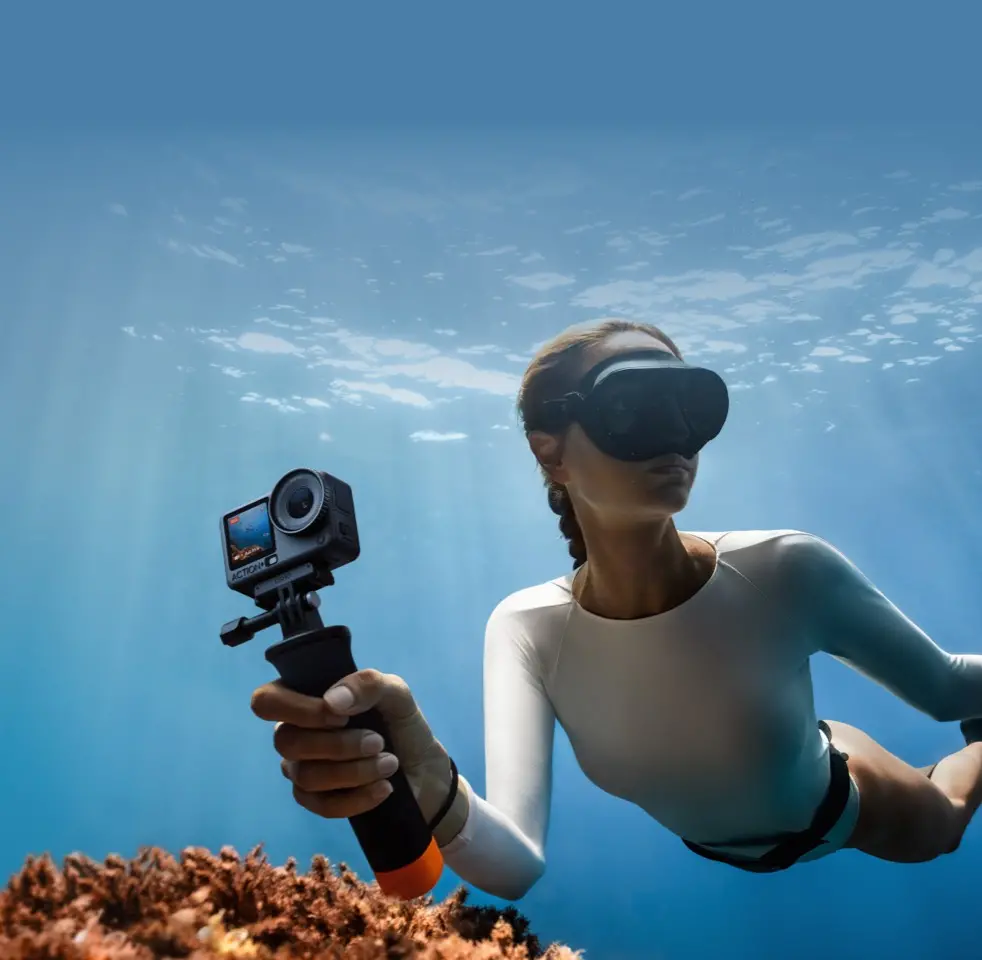
20m Waterproof [5]
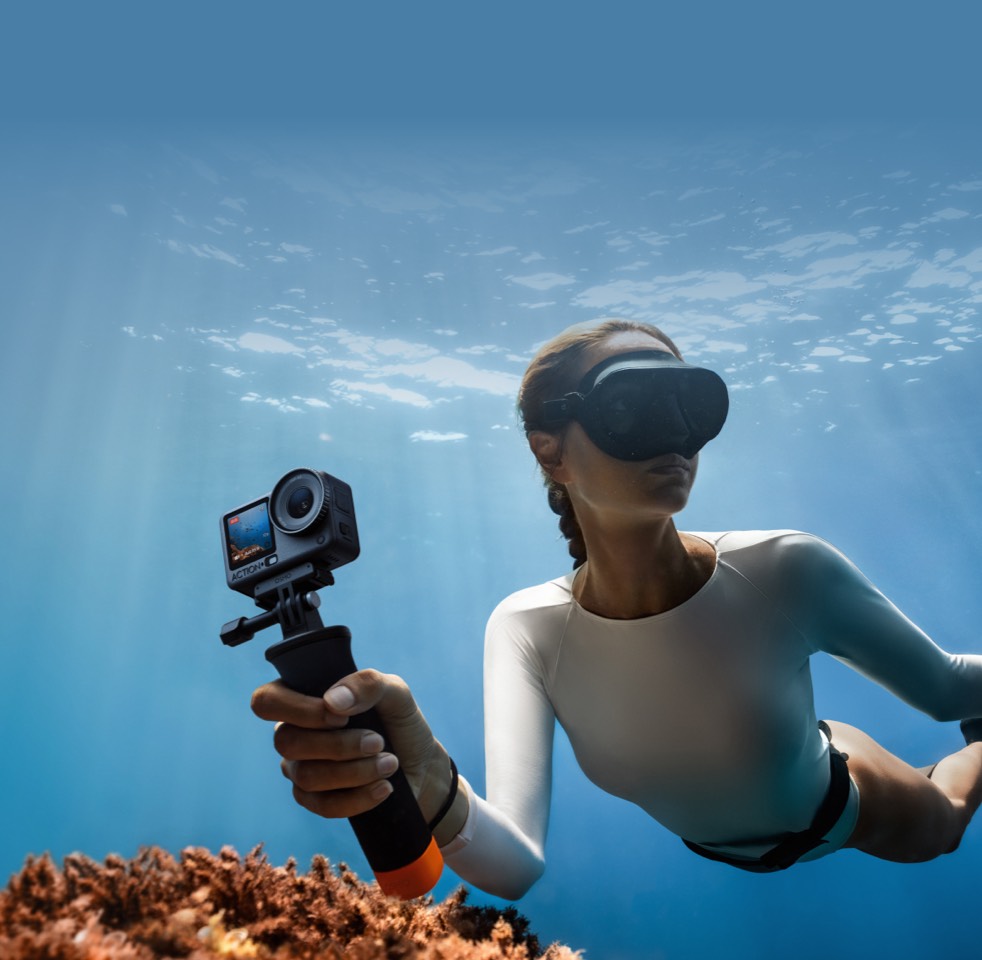
Waterproof up to 20 meters [5] without a case and up to 60 meters [5] with the waterproof case. With the built-in color temperature sensor and water pressure gauge [6], Osmo Action 6 delivers true-to-life underwater colors and records your dive data.
In the Box

Osmo Action 6
× 1
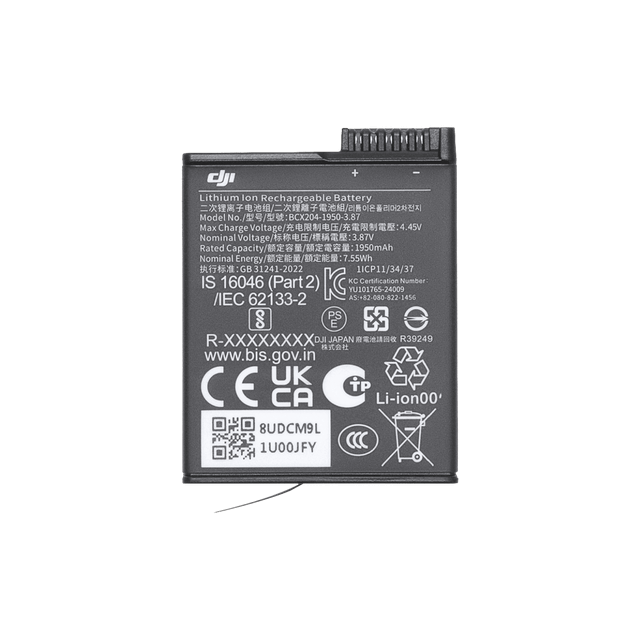
Osmo Action Extreme Battery Plus (1950 mAh)
× 1
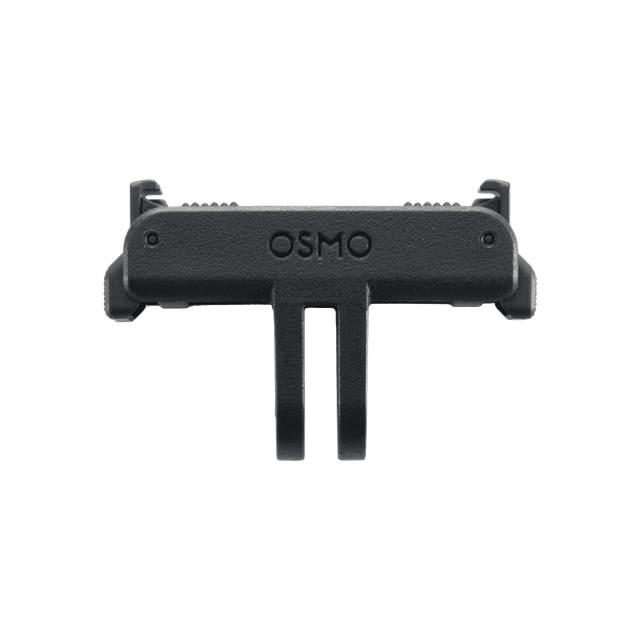
Osmo Dual-Direction Quick-Release Adapter Mount
× 1
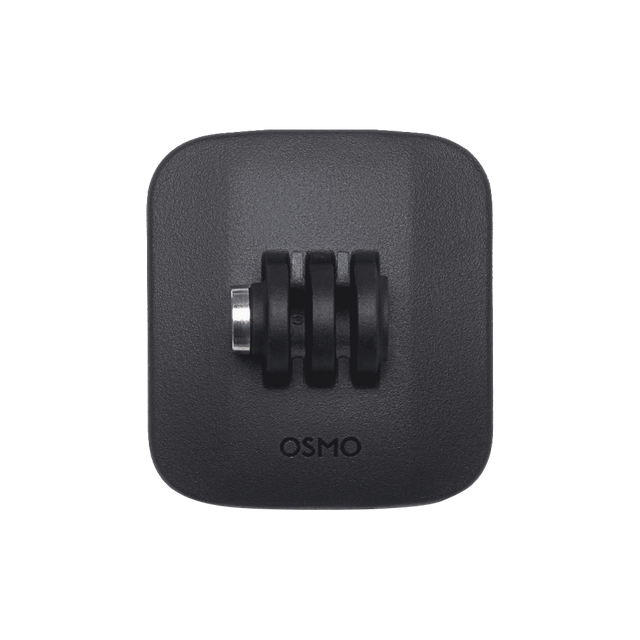
Osmo Action Curved Adhesive Base
× 1
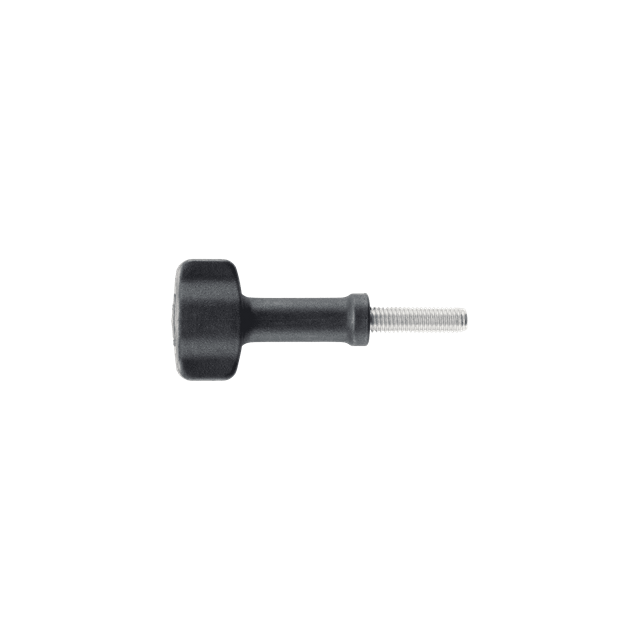
Osmo Locking Screw
× 1
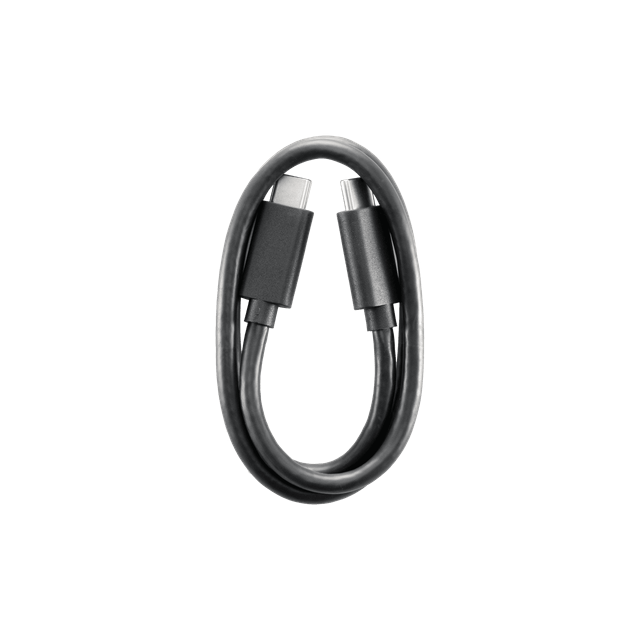
USB-C to USB-C PD Cable (USB 3.1)
× 1
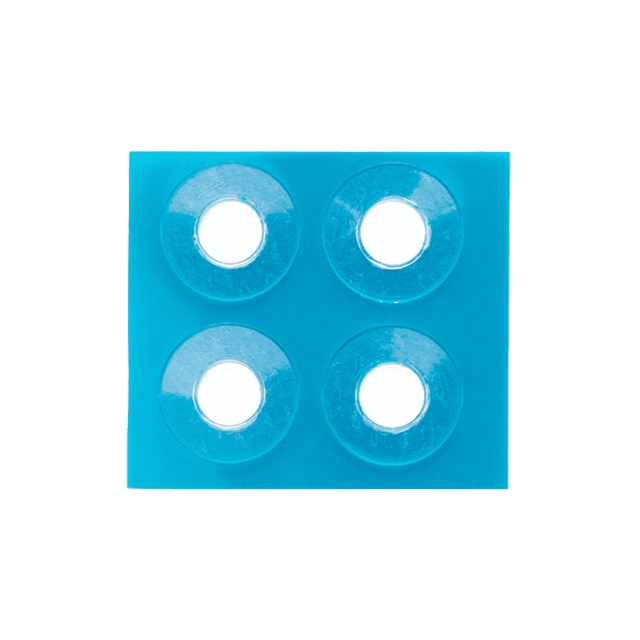
Osmo Action Anti-Slip Pad
× 1


Moments By You
Which is the Best for You?
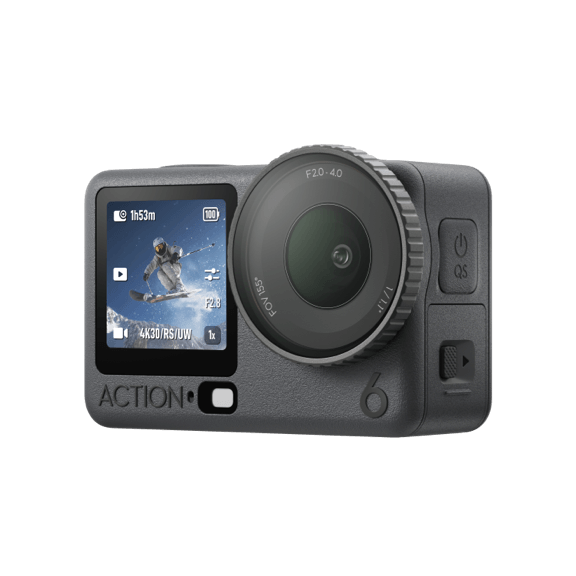
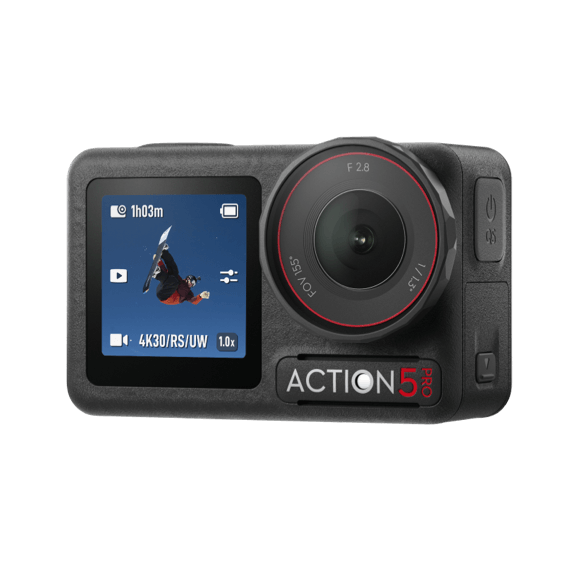

From AUD $669
From AUD $599
From AUD $469
 All-New 1/1.1″ Square CMOS
 1/1.3″ CMOS
 1/1.3″ CMOS
 High Dynamic Range for All Video Specifications
4K/60fps High-Dynamic Low-Light Imaging
New 4K Custom Mode
High Dynamic Range for All Video Specifications 4K/60fps High-Dynamic Low-Light Imaging
 High Dynamic Range for All Video Specifications
 f/2.0-f/4.0 Aperture
 f/2.8 Aperture
 f/2.8 Aperture
 RockSteady 3.0/3.0+
4K HorizonSteady, 4K HorizonBalancing
RockSteady 3.0/3.0+2.7K HorizonSteady, 4K HorizonBalancing
RockSteady 3.0/3.0+2.7K HorizonSteady, 4K HorizonBalancing
 OLED & High-Brightness DisplayOLED & High-Brightness Display
 LCD & No HDR Display
 Wi-Fi 6.0, up to 80 MB/sWi-Fi 6.0, up to 80 MB/s
 Wi-Fi 5.0, up to 30 MB/s
Let’s Answer Your Questions
What updates does Osmo Action 6 have compared with Osmo Action 5 Pro?
Osmo Action 6 primarily features the following key upgrades compared to Osmo Action 5 Pro:
1. DJI's first action camera with a variable aperture of f/2.0*–f/4.0, offering aperture modes that suit a wide range of scenarios.
2. All-new sensor: Features a all-new 1/1.1-inch square CMOS sensor, delivering improved image quality.
3. 4K Custom mode: Supports shooting in 4K Custom mode, allowing you to freely crop the frame in post-production to meet diverse creative needs.
4. HorizonSteady upgrade: supports in‑camera 4K HorizonSteady for smoother and more stable footage.
5. Increased built‑in storage: The internal storage is expanded to 50 GB, making it convenient to capture exciting moments anytime.
6. New shooting features: Includes Portrait mode**, Gesture Control, multiple built‑in film tones***, and a 2× lossless zoom**** for smarter, more convenient shooting.
For more detailed differences, please refer to the product comparison page.
* In Auto mode, users can choose from five aperture ranges (f/2.0–f/4.0, f/2.2–f/4.0, f/2.4–f/4.0, f/2.6–f/4.0, and f/2.8–f/4.0), with f/2.0–f/4.0 set as the default. In Large Aperture (f/2.0) mode, the aperture is fixed at f/2.0. Aperture modes may be limited depending on the shooting modes and accessories. For details, refer to the Osmo Action 6 Aperture Modes.
** This feature requires updating the firmware to the latest version.
*** Film Tone is currently supported only in the 16:9 aspect ratio up to 4K/60fps, or the 4:3 aspect ratio up to 4K/30fps.
**** Not supported in 38MP/34MP photo mode, SuperNight, Subject Tracking, Slow Motion, or Timelapse modes.
What is the size of the image sensor in Osmo Action 6? How does it differ from the image sensor in Osmo Action 5 Pro?
Osmo Action 6 features a new 1/1.1‑inch square sensor with large 2.4 μm pixels, delivering up to 13.5 stops of dynamic range. It offers high‑dynamic‑range, low‑light performance at up to 4K/60fps and can record at up to 4K/120fps in 4:3 mode. It also supports shooting videos in 4K Custom mode at up to 4K/60fps and in HorizonSteady mode at up to 4K/60fps.
What is D-Log M color mode of Osmo Action 6?
D-Log M is designed to capture a wide dynamic range from the sensor, and colors are distributed evenly so the bright and dark parts of the video have greater fidelity and clarity. It is not a LUT, but a lower-contrast video with a flat color profile, which is great for expanding post-processing options.
How to export photos and videos from Osmo Action 6?
There are three options available:
1. Connect to the DJI Mimo app and download content from the microSD card and built-in storage to your smartphone.
2. Use a card reader to export content from the microSD card to your computer or smartphone.
3. Swipe down from the camera view, tap the Settings icon, and select
USB Mode. Follow the on-screen prompts to connect the camera to a computer or smartphone with a USB-C port using a USB-C cable. You can then export content from the microSD card and built-in storage.
What video and stabilization specifications does SuperNight mode support? When should I use this mode?
Supports shooting at 4K@24/25/30/48/50/60fps, 2.7K@24/25/30/48/50/60fps, and 1080p@24/25/30/48/50/60fps. You can enable RockSteady 3.0 or RockSteady 3.0+, and choose among Standard (Dewarp), Wide and Natural Wide FOV. It is recommended for use at night in urban areas.
How do I activate Osmo Action 6?
You can follow the steps below to activate the device:
1. Press and hold the quick switch button to turn on Osmo Action 6;
2. Download the DJI Mimo app by scanning the QR code shown on the camera Display prompt or from an app store;
3. Launch the DJI Mimo App, tap the Camera icon, enable Bluetooth and Wi-Fi on your smartphone, and connect to Osmo Action 6;
4. After connecting Osmo Action 6 to the DJI Mimo app, you will be prompted to activate the device;
5. Complete the activation by following the prompts in the app.
How to manually set the aperture?
You can manually adjust Osmo Action 6's aperture modes in two ways:
1. On the camera
Power on the Osmo Action 6 and go to the preview screen.
Tap the image/audio settings button on the right.
Locate the “Variable Aperture” option and choose the following modes:
Auto: Variable aperture that automatically adjusts to shooting conditions. Maximizes aperture in low light.
Fixed (f/2.8): Fixed f/2.8 aperture, like classic action cameras. Minimum focus distance is 35 cm.
Starburst (f/4.0): Fixed aperture f/4.0 with minimum focus distance of 20 cm to capture six-point starburst effect from point light sources.
2. Via the DJI Mimo app
Open DJI Mimo and go to the main shooting screen.
Tap the “...” (More) button in the top right, enable “Variable Aperture,” and then select Auto, Fixed (f/2.8), or Starburst (f/4.0) aperture modes.
* Aperture modes may be limited depending on the shooting mode and accessories. For details, refer to the Osmo Action 6 Aperture Modes.
How do I solve the issue of flicker when playing footage shot on Osmo Action 6 on different computers?
Playback of recorded footage on computers can be affected by computer settings and performance. If flicker occurs, try the following solutions:
Apple Mac: Go to System Preferences > Displays > Refresh Rate, and change the refresh rate to a fixed value, instead of ProMotion.
Other computers: A low-performance graphics card may cause flicker when playing the files. It is recommended to use a better-performing computer for viewing.
Why does Osmo Action 6 heat up during use?
When using high-specification, high-performance modes (such as 4K/120fps standard video mode, 2.7K/60fps Subject Tracking mode, or 4K/60fps or 4K/30fps SuperNight mode), the camera consumes more power, which can result in a noticeable increase in temperature. Additionally, extended recording sessions or prolonged handheld use can also cause the camera to feel warm.
What should I do before using Osmo Action 6 underwater?
1. Check that the Glass Lens Cover and screens are intact. Close the battery compartment cover and the USB-C port cover, and tighten the Glass Lens Cover.
2. Osmo Action 6 can be used at depths of up to 20 meters. However, it is recommended to install the Waterproof Case for long-duration underwater shooting or in environments with high water impact pressure. With the Waterproof Case, Osmo Action 6 can be used at depths of up to 60 meters.
3. Do not use the product in extreme water environments or unknown liquids. Avoid using it in hot springs or corrosive liquids.
4. Before changing the Glass Lens Cover, air dry the camera to avoid any fogging caused by water entering the lens cap.
5. Rinse the camera with clean water after using it underwater, and completely air dry it before using it again.
Still have questions? Get help from a DJI expert.
1. In Auto mode, users can choose from five aperture ranges (f/2.0–f/4.0, f/2.2–f/4.0, f/2.4–f/4.0, f/2.6–f/4.0, and f/2.8–f/4.0), with f/2.0–f/4.0 set as the default. In Large Aperture (f/2.0) mode, the aperture is fixed at f/2.0. Aperture modes may be limited depending on the shooting modes and accessories. For details, refer to the FAQ page on the Osmo Action 6 official website.
2. Two DJI microphones are required. Direct connection to the first-generation DJI Mic is not supported. DJI microphones are sold separately.
3. Measured at a room temperature of 25° C (77° F), while recording 1080p/24fps (16:9) video, with RockSteady on, Wi-Fi off, Voice Control and Gesture Control off, and screens off. Data was collected in a controlled environment and should be taken as reference only. Actual battery life may vary when activating and using Osmo Action 6 in the European Union and UK, due to local regulations regarding operating temperature of the product. Please refer to the actual user experience.
4. EIS is not supported in Timelapse and Slow Motion modes on Osmo Action 6. HorizonSteady and HorizonBalancing are supported for 1080p/2.7K/4K video (≤ 60fps) in a 16:9 aspect ratio, and 4K Custom videos with frame rates of 60fps or below.
5. Before use, close the Battery Compartment Cover and the USB-C Port Cover, and tighten the Glass Lens Cover. It is recommended to install Waterproof Case for long-term underwater shooting or in environments with high water impact pressure. Osmo Action 6 and its Waterproof Case have an IP68 waterproof rating. Do not use the camera in hot springs or extreme underwater environments, or let it come into contact with corrosive or unknown liquids. The shutter/record button is disabled at around 0.14 MPa (approximately 14m depth). The actual depth for disabling the shutter/record button may vary depending on water conditions, air pressure, and device status.
6. The water pressure gauge activates at a depth of 1 meter underwater and is only effective when the camera is submerged without a waterproof case.
7. Either hand can be detected within 2-meter range. Do not cover head with hands. Raise hand and open palm to start or stop recording, or take a photo. The effective distance may vary with future firmware updates.
8. For optimal results, the Starburst (f/4.0) aperture mode is recommended in urban night scenes brighter than 80 lux.
9. Measured under laboratory conditions at -20° C (-4° F) and 45° C (113° F) while recording 1080p/24fps (16:9) video, with RockSteady on, Wi-Fi off, and screens off. The maximum continuous recording times at -20° C (-4° F) and 45° C (113° F) were 167 minutes and 190 minutes, respectively. Data was collected in a controlled environment and should be taken as reference only.
10. Subject Tracking mode is only available in horizontal shooting and supports shooting up to 2.7K/60fps video in both 16:9 and 9:16 aspect ratios. When Osmo Action 6 Macro Lens is attached, Subject Tracking is not supported.